
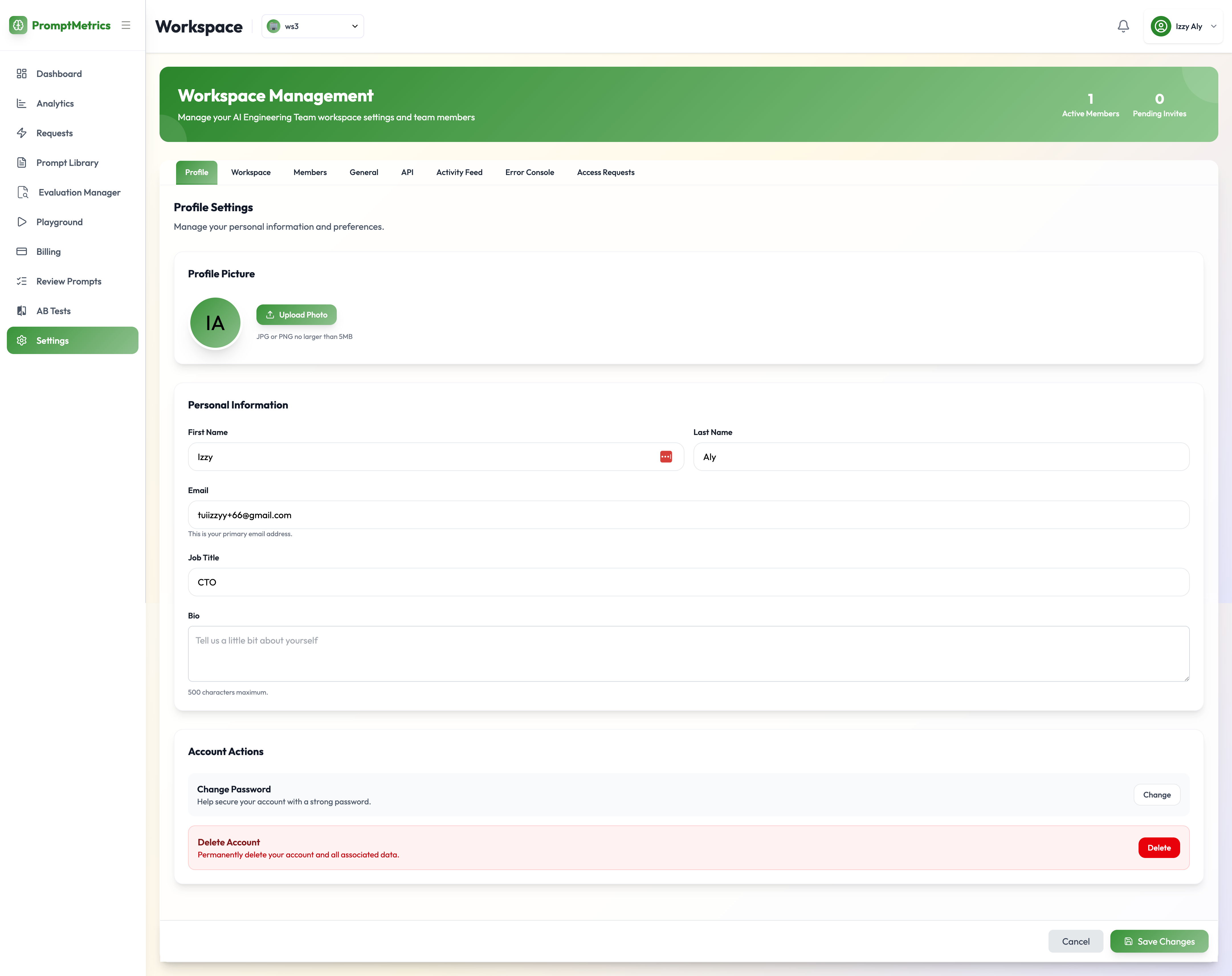
Accessing Settings
To access the configuration menu, navigate to the left-hand side menu and click on Settings. From here, you can manage your personal profile, configure workspaces, and set up API integrations.User Profile
In the first tab, you can manage your personal account details.- Profile Picture: Upload or change your product profile photo.
- Credentials: Update your email address or change your password.
- Account Actions: Permanently delete your account.