Accessing Settings

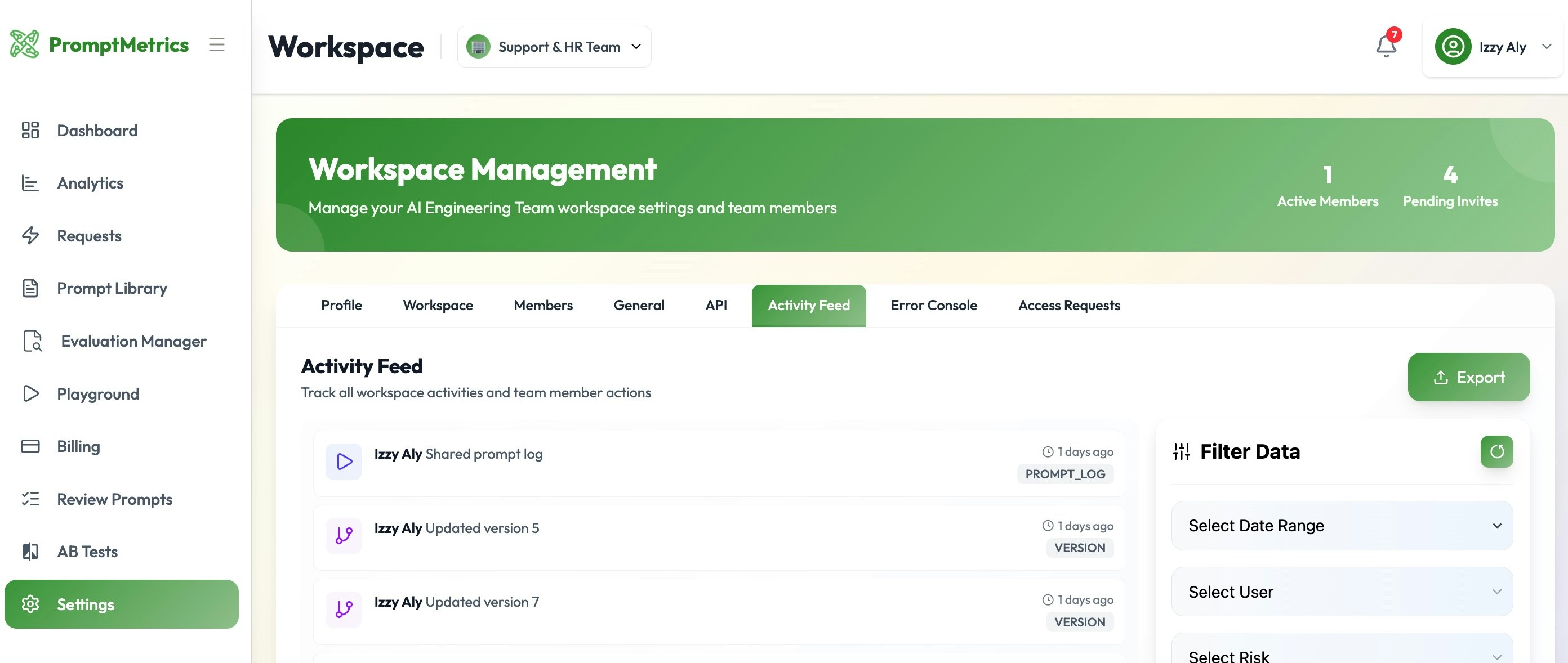
To access the configuration menu, navigate to the left-hand side menu and click on Settings. From here, you can manage your personal profile, configure workspaces, and set up API integrations.

Activity & Monitoring

For users on the Pro plan, the settings area provides deep visibility into account usage and health.

Activity Feed

The Activity Feed acts as a comprehensive user log. It records:
  • Real-time events happening on the account.
  • A chronological history of user actions within the specific workspace.

PromptMetrics Settings


Mintlify supports HTML tags in Markdown. This is helpful if you prefer HTML tags to Markdown syntax, and lets you create documentation with infinite flexibility.

iFrames

Loads another HTML page within the document. Most commonly used for embedding videos.
<iframe src="https://www.youtube.com/embed/ZUbgVOV7Iqo?si=mGPbvLNCKchb98Y0"> </iframe>